Why Shopify Is the Best Platform for Most Online Stores in 2026
In this article10 sections
Key takeaways
- Shopify handles hosting, security updates and PCI DSS compliance, so your time goes into selling instead of server maintenance.
- Shopify Payments works for online stores registered in Latvia, Lithuania and Estonia, and Latvian is now an officially supported storefront and checkout language.
- WooCommerce gives you more control over the server, but hosting, updates and security become your job.
- Shopify is not right for everyone: multi-vendor marketplaces and very complex B2B logic may need a different setup.
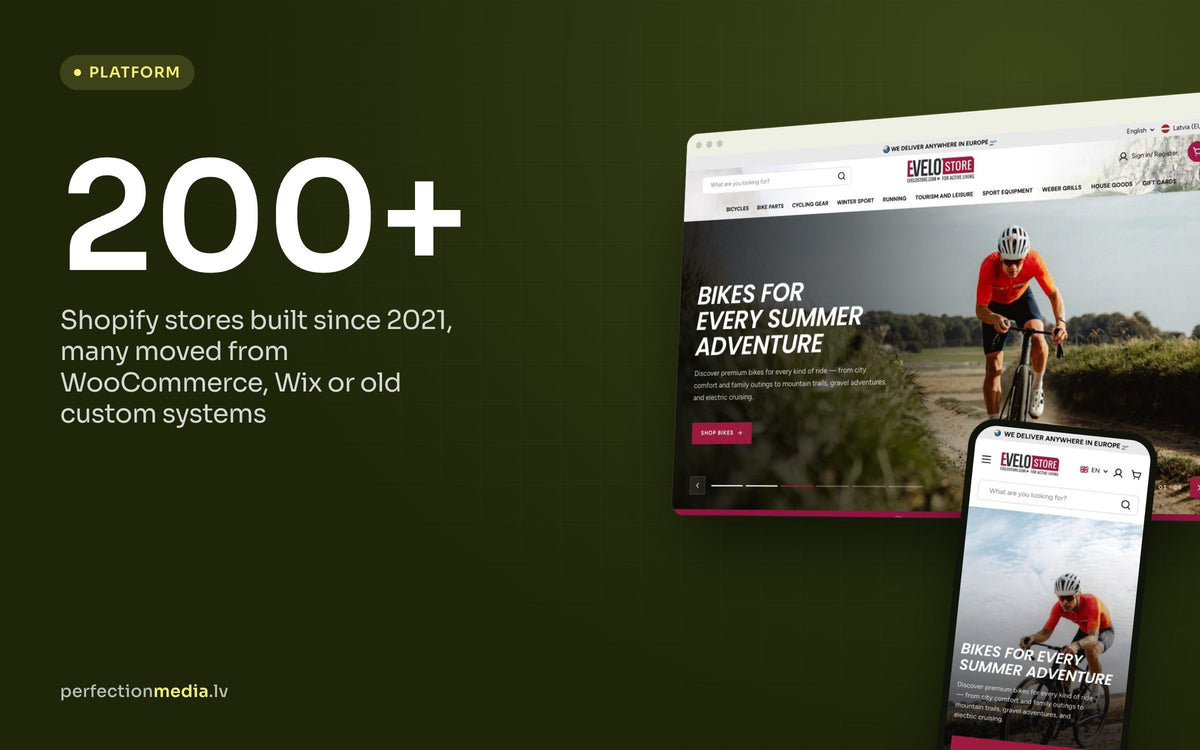
The platform you choose decides how much of your week goes into running the store and how much goes into growing it. Since 2021 we have built more than 200 Shopify stores, many of them for shops moving away from WooCommerce, Wix or an old custom system.
This article explains why we recommend Shopify to most store owners, how it compares with the alternatives, and where it falls short.
Shopify compared with the alternatives
Most merchants in the Baltics choose between four options. Here is how they compare on the things that matter day to day.
| What you compare | Shopify | WooCommerce | Website builders (Wix, Squarespace, Mozello) | Custom build |
|---|---|---|---|---|
| Hosting and security | Included, managed by Shopify | Your hosting provider and you | Included | Your developer |
| Updates and maintenance | Platform updates itself | You update WordPress, plugins and theme | Automatic | Ongoing developer work |
| Checkout | Fast, tested checkout used by millions of stores | Depends on theme and plugins | Basic to solid, depending on plan | Built and tested from scratch |
| Extra features | Thousands of apps in the Shopify App Store | Large plugin ecosystem | Limited | Anything, if the budget allows |
| Best for | Most stores that plan to grow | Owners with a WordPress developer | Small catalogues and simple sites | Very specific needs and large budgets |
Easy to run without a developer
In Shopify's theme editor you change sections, text, images and colours by moving blocks and adjusting settings. Adding a product, running a discount or rearranging the homepage needs no code.
That matters when you run the store yourself. Small changes should take minutes, not a wait for a programmer.

Themes and design freedom
The Shopify Theme Store offers free and paid themes, all built to work on phones. A good theme gets you a clean, fast store quickly. When a theme is not enough, you can edit it with HTML, CSS and Liquid (Shopify's template language), or have a theme built around your brand.

Before you commit, open a store and try the editor with your own products. Shopify regularly runs trial offers for new stores; check the current one on shopify.com.

Apps and integrations
The Shopify App Store has thousands of apps for reviews, email marketing, subscriptions, translations, shipping labels and more. Choose carefully: every app adds scripts and usually a monthly fee. We start with the theme's own features and add an app only when it earns its place. Our list of essential apps for Shopify stores is a good starting point.
Accounting, ERP and warehouse systems connect to Shopify through its API. That is the kind of work we do in our Shopify integration projects.

Security and reliability
Shopify hosts your store, includes an SSL certificate and is PCI DSS compliant, which is the card industry's security standard. You do not patch servers or update plugins at midnight, and traffic peaks around Black Friday are Shopify's to absorb.
With a self-hosted platform such as WooCommerce, hosting, backups and security updates are your responsibility. With a good developer that can work well, but it is a cost you should count from the start.

Payments and checkout
Shopify Payments is available for online stores registered in Latvia, Lithuania and Estonia. It switches on cards, Apple Pay, Google Pay and Shop Pay in one place, and you avoid the additional transaction fee Shopify charges when you use a third-party payment provider.
In-person card payments through Shopify POS are currently not available with Shopify Payments in Latvia, so physical shops there still use a separate card terminal. Local payment methods can sit next to Shopify Payments: many Baltic stores offer bank links through providers such as MakeCommerce or Montonio.

Language matters at checkout too. Latvian is now one of Shopify's officially supported storefront and checkout languages, so shoppers can finish their order in Latvian with far less manual translation work on your side.

Selling on more channels
From one Shopify admin you can sell in your online store, on Facebook and Instagram, on Google, and in a physical shop with Shopify POS. Products, stock and orders stay in sync, so you are not updating three systems by hand.
Room to grow
Shopify plans range from small starter plans to Shopify Plus for high-volume brands, which adds more checkout customisation and automation. Changing plans does not mean rebuilding your store. Check current prices on shopify.com, as they change and differ by region.
Support is available around the clock through the Shopify Help Center and chat, and there is a large network of Shopify partners when you need hands-on help.
When Shopify is not the right choice
- Marketplaces with many sellers. Shopify is built for one merchant. A multi-vendor model needs apps or another platform.
- Very complex B2B pricing or product configurators. Possible, but often with custom apps, which raises the budget.
- Full control of the server and database. If you need it, a self-hosted platform suits you better.
- A small site with a few products and no growth plans. A simple website builder may be enough.
For most product stores that plan to grow, none of these apply, and Shopify is the platform we recommend. Our complete guide to Shopify store development walks through the next steps, from planning to launch.
Frequently asked questions
Is Shopify better than WooCommerce?
For most store owners, yes, because Shopify takes care of hosting, security and updates. WooCommerce makes sense if you already work with a WordPress developer and want full control of the server.
Can I use Shopify Payments in Latvia?
Yes, for online sales. A business registered in Latvia with a euro bank account can use Shopify Payments. In-person card payments through Shopify POS are currently not available in Latvia.
Can I move my existing store to Shopify?
Yes. Products, customers and order history can be migrated, and old URLs should be redirected so you keep your search rankings. We handle migrations as part of our online store development work.